Reports
Reports, without
the spreadsheet.
In a lot of shops one person starts every day by turning yesterday's tickets into a sheet nobody reads until something goes missing. In Alter-Sync the report is a button.
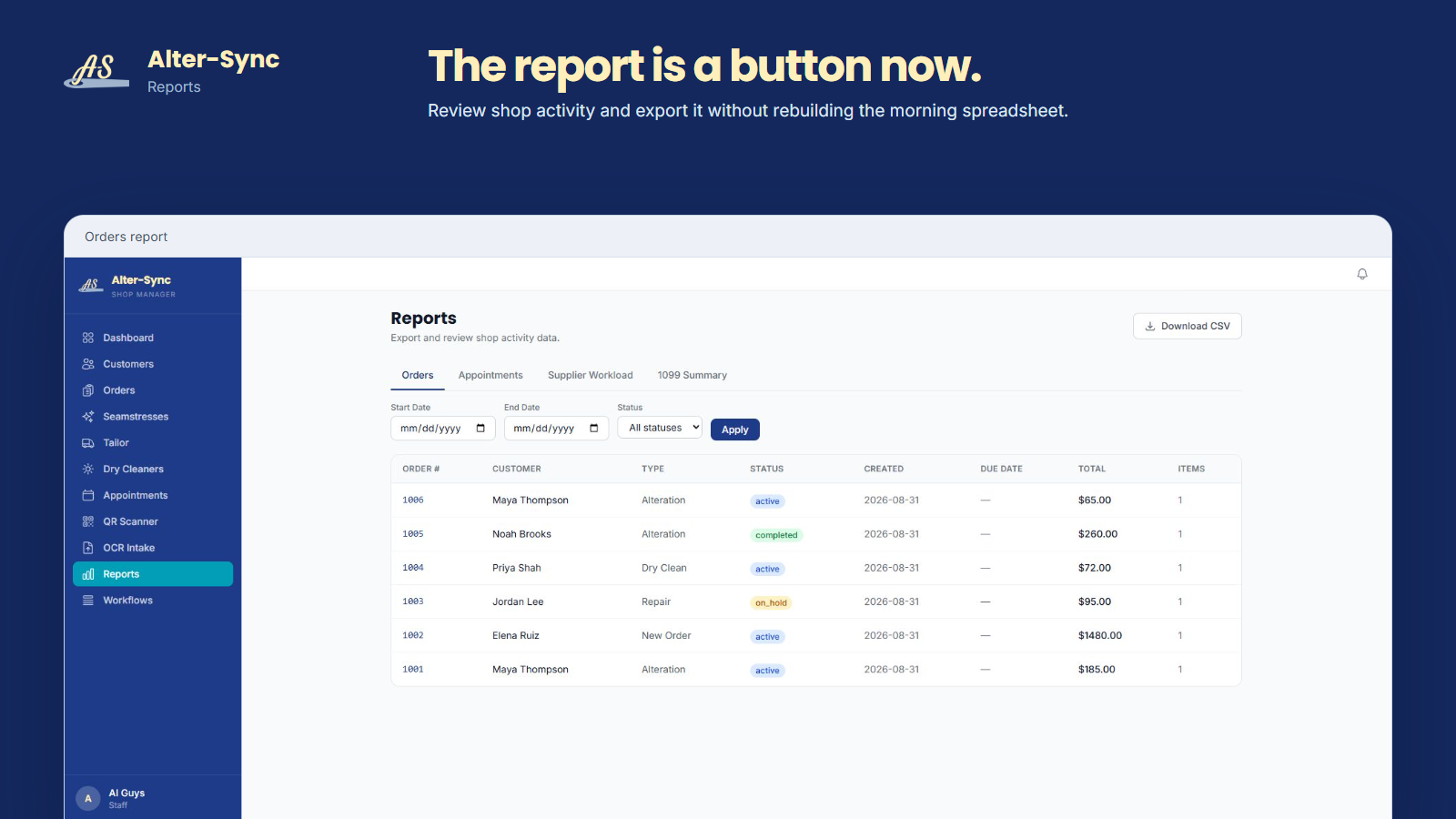
The orders report
Pick the dates. Pick the status. Read the list.
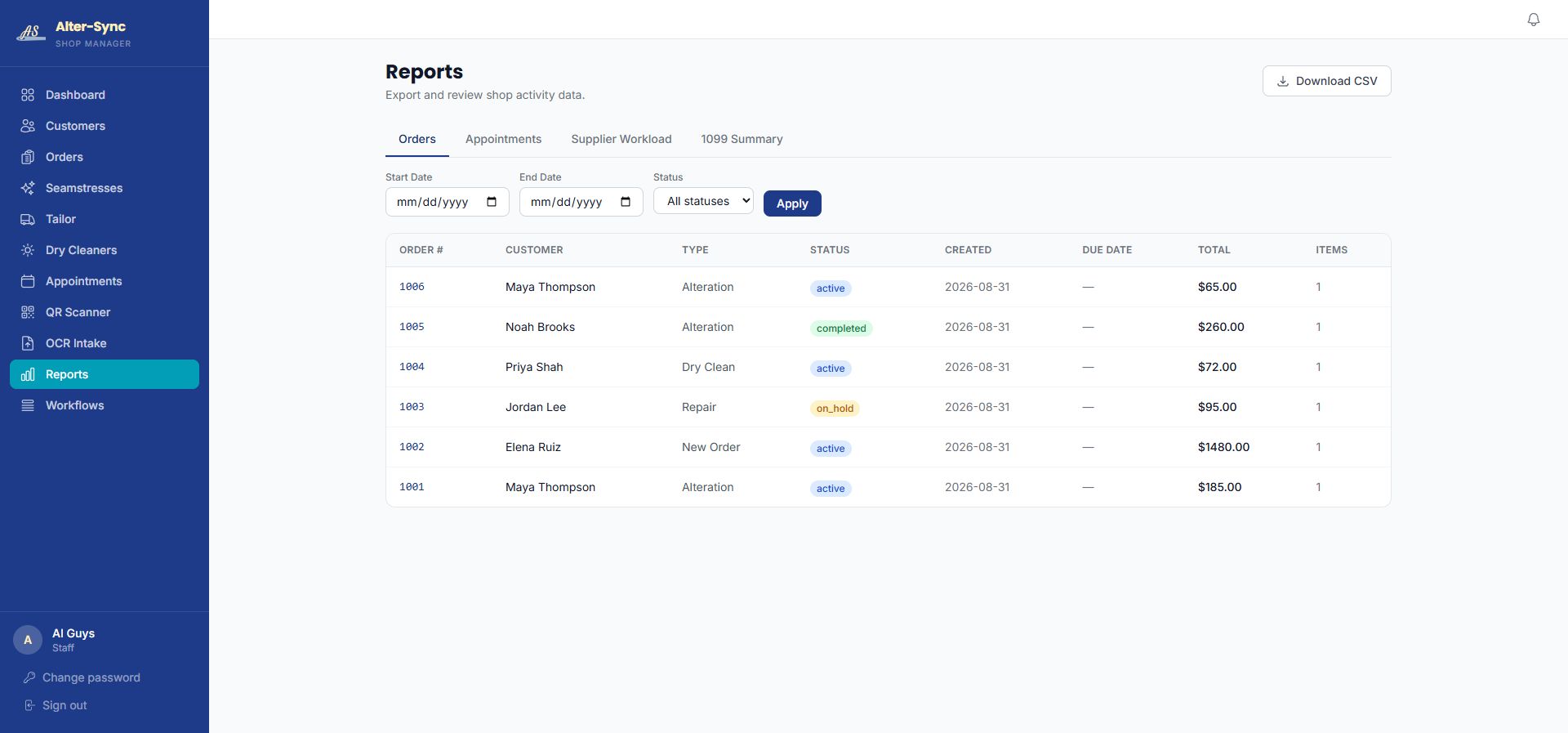
Set a start and end date, choose a status or leave it on all, and the orders report lists every order in that window with its customer, type, status, created and due dates, total, and item count.
- Orders, Appointments, Supplier Workload, and 1099 Summary tabs
- Date range and status filters
- Download CSV on every report
The orders report for a demo shop, with the CSV download in the top corner.
What owners use it for
Four reports, four conversations.
Orders
What came in, what went out, what is still open, and what each job was worth, for any date range.
Appointments
Fittings, measurements, deliveries, and pickups over time, so busy seasons stop being a surprise.
Supplier workload
How much work is sitting with each seamstress, tailor, or cleaner you send garments to.
1099 summary
A year-end view of what you paid outside help, in a file your accountant can open.
Supplier assignment depends on supplier records being set up for your shop. That is part of onboarding, and something to discuss on the walkthrough.
Questions
About reports.
What reports are included?
Orders, Appointments, Supplier Workload, and a 1099 Summary. Each has its own tab in the Reports area.
Can I filter a report?
Yes. The orders report takes a start date, an end date, and a status filter, then shows order number, customer, type, status, created and due dates, total, and item count.
Can I get the data out?
Every report has a Download CSV control. The file opens in any spreadsheet, so your accountant or bookkeeper needs nothing new.
Is the report the same thing as the dashboard?
No. The Daily Status dashboard is the summary you glance at. Reports are the detail you filter, review, and download.

A conversation about your shop
See your shop in sync.
Bring your order forms to a thirty-minute walkthrough and see how Alter-Sync fits the process you already trust.
Book a WalkthroughPrefer to talk first? Call (205) 541-0683 or email Darrell.